Quick diagnosis
Fetchers move goods between buildings; Hands work inside them. If a Fetcher stands idle, the problem is usually a missing route, an empty pickup, a full destination, a camp boundary, or a route that is too long—not a lack of workers.
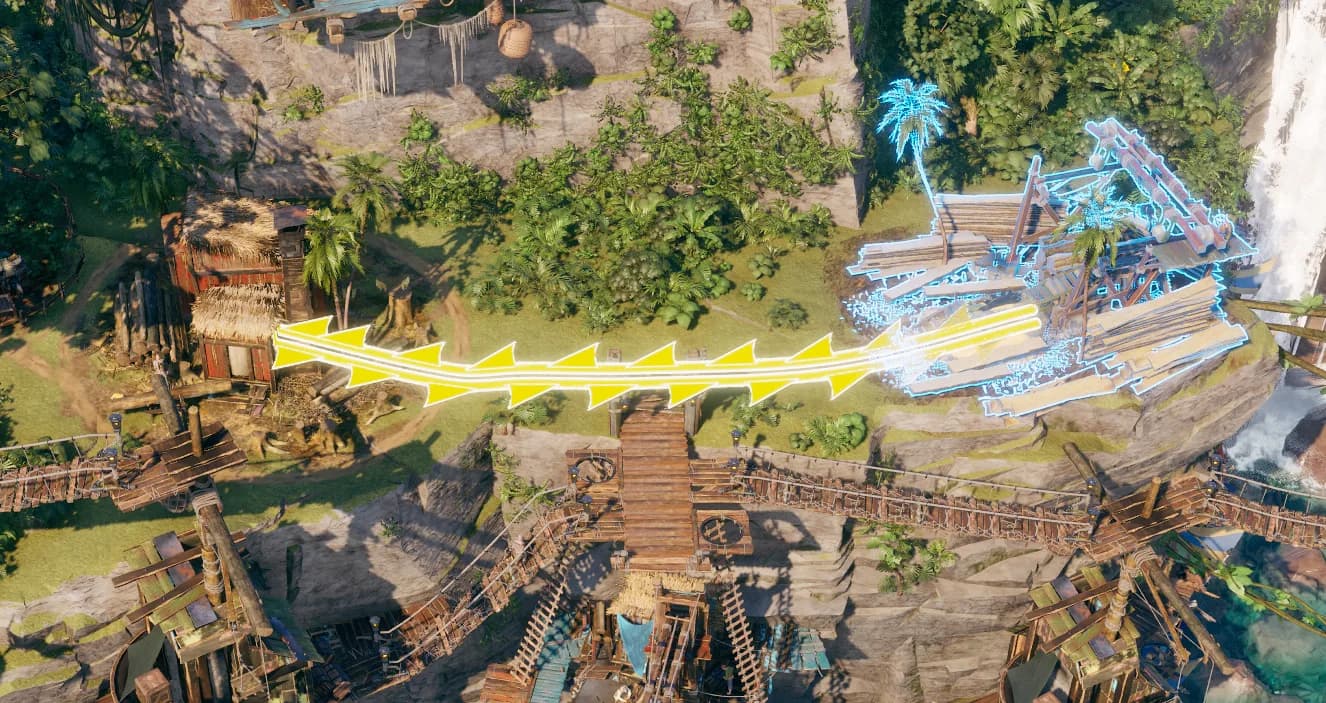
Official Corsair Cove wiki Fetcher route highlight showing the connection to inspect when a worker is idle.
Version and source notesUpdated 2026-08-22 · Source review due
- Updated
- 2026-08-22
- Works with
- Released PC version; logistics and warehouse routes
- What this guide covers
- Route checks for idle or slow Fetchers
- Version notes
- Recheck worker behavior after logistics balance patches
- Update status
- Source review due
Choose the right guide
This page: Assign a worker and test the first delivery.
Assign a working route
- Select the building that needs an input, then open its logistics or connection view.
- Connect it to the producer or warehouse holding that resource.
- Assign at least one Fetcher to the route.
- Let the game run and watch for a worker to collect the correct item.
- Confirm the destination's input count rises. That is the clearest sign the route works.
If the Fetcher stays idle
Check these in order so every change has a visible result:
- Pickup stock: the source must actually contain the selected resource.
- Destination space: a full input or output slot can stop movement.
- Correct resource: warehouse slots and collection rules must match the item the destination needs.
- Camp connection: the source and destination must belong to a usable network.
- Building state: neither endpoint should be paused or waiting on another input.
- Route length: shorten red or yellow connections, or add an intermediate warehouse, before hiring more Fetchers.
Use a warehouse as a hub
A warehouse helps when several producers feed several consumers. Give it slots for the resources you actually want to buffer, assign collection routes, and keep the onward delivery short. If every building reaches across the whole island, the route network becomes slow and difficult to diagnose.
For a new settlement, connect the Pier to the local warehouse and assign transport there instead of routing every workplace back to the first camp.
When several producers feed several consumers, the warehouse and route tips help turn the tangle into short local delivery loops.
What success looks like
The Fetcher leaves the source with the correct item, the destination's input rises, and production resumes without a growing backlog. If that happens only briefly, watch which endpoint fills or empties first—that is the next bottleneck.
Keep in mind
Change one route, storage rule, or worker assignment at a time. If several things change together, you cannot tell which one fixed the delivery.