Quick answer
Install Patch #1 or later, load the affected save, and continue until you complete the next tutorial objective. The patch added a save guard that removes the stuck Build Your Pier Here hint as progression continues.
Version and source notesUpdated 2026-08-26 · Source review due
- Updated
- 2026-08-26
- Works with
- PC builds with Patch #1 v1.1.1.241792 or later
- What this guide covers
- Developer-published save-guard steps for existing saves
- Version notes
- The Pier hint fix shipped in Patch #1
- Update status
- Source review due
Make sure this is the same problem
Use this fix when the Pier is already built and working but the large tutorial hint remains on screen. This is different from a Pier that lacks materials, workers, a valid camp connection, or a finished ship.
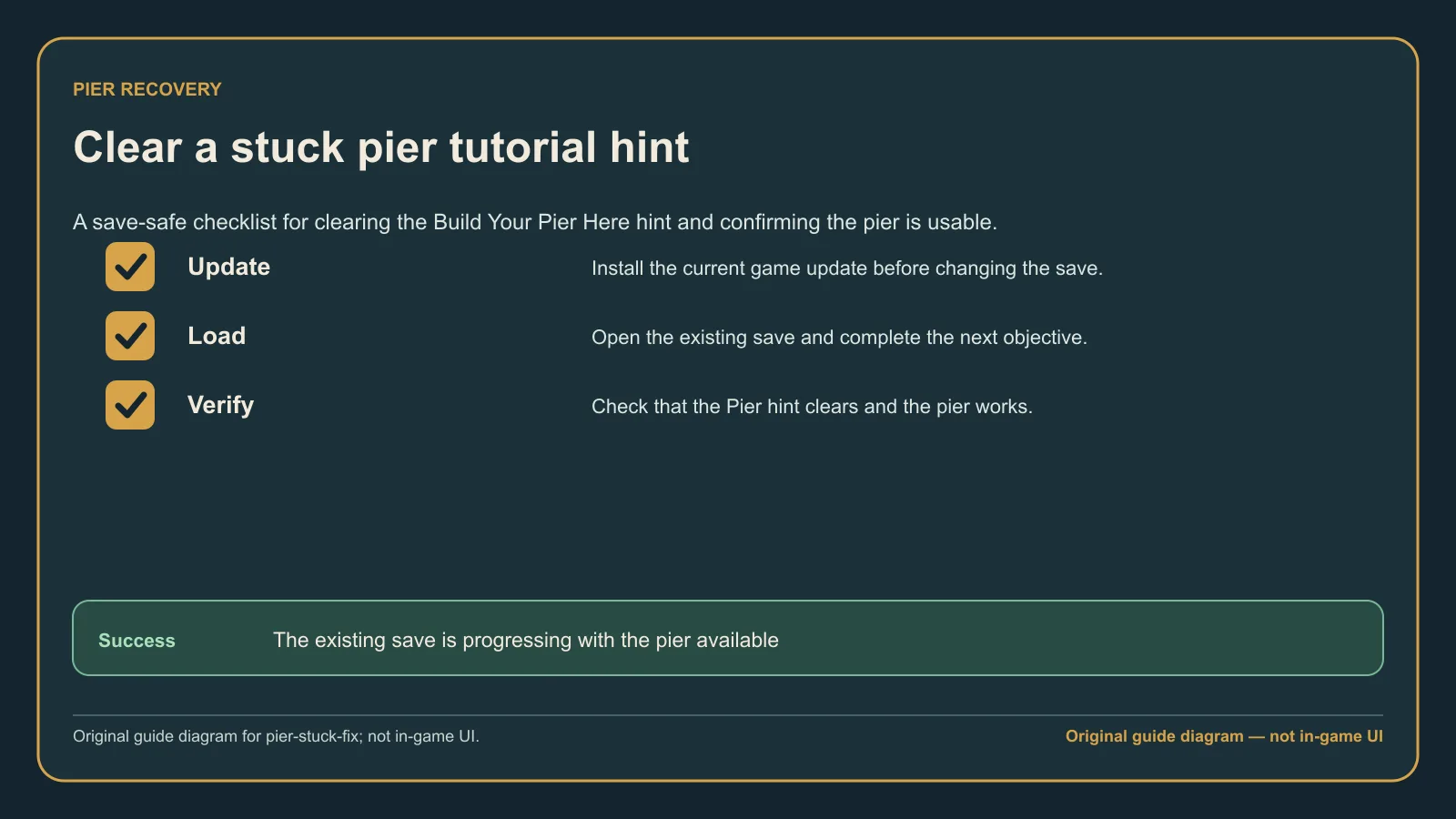
Original guide diagram based on the official Corsair Cove Buildings guidance, showing the patched tutorial-hint recovery flow for a built Pier.
Clear the Pier hint
- Let Steam or your store client finish updating Corsair Cove.
- Restart the client so the installed build is not stale.
- Load the existing save; you do not need to delete the campaign.
- Continue the tutorial and finish the next objective shown by the game.
- Wait for the objective transition. The save guard should clear the old Pier hint automatically.
- If progression stopped after returning from Barbos Bay, select the Pier once and check whether the next objective appears.
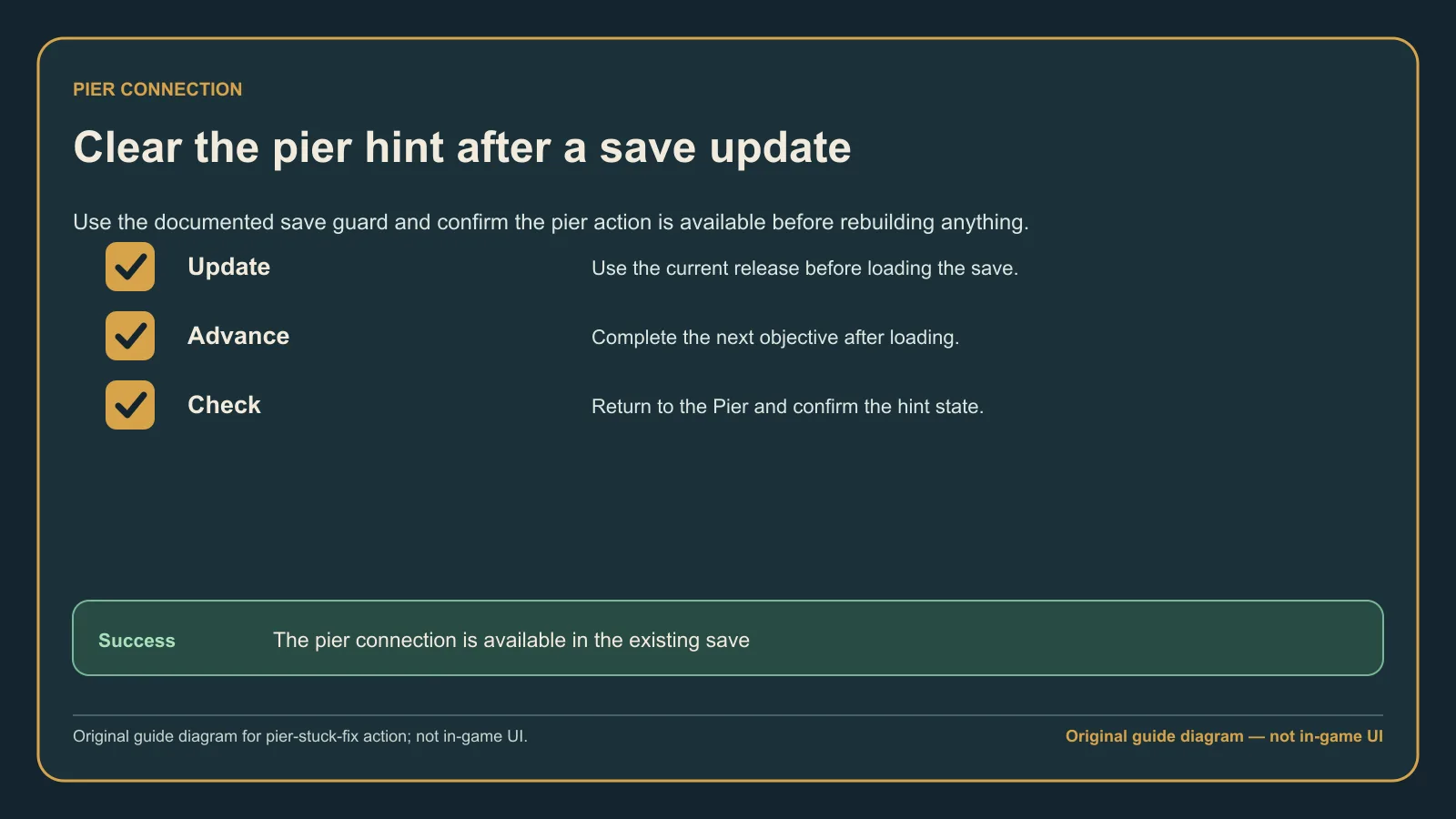
Original guide diagram from the official Buildings rules, used here to walk through the safe Pier-hint recovery sequence.
Expected result
The Pier hint disappears when the next objective begins, and the tutorial continues without rebuilding the Pier or restarting the campaign.
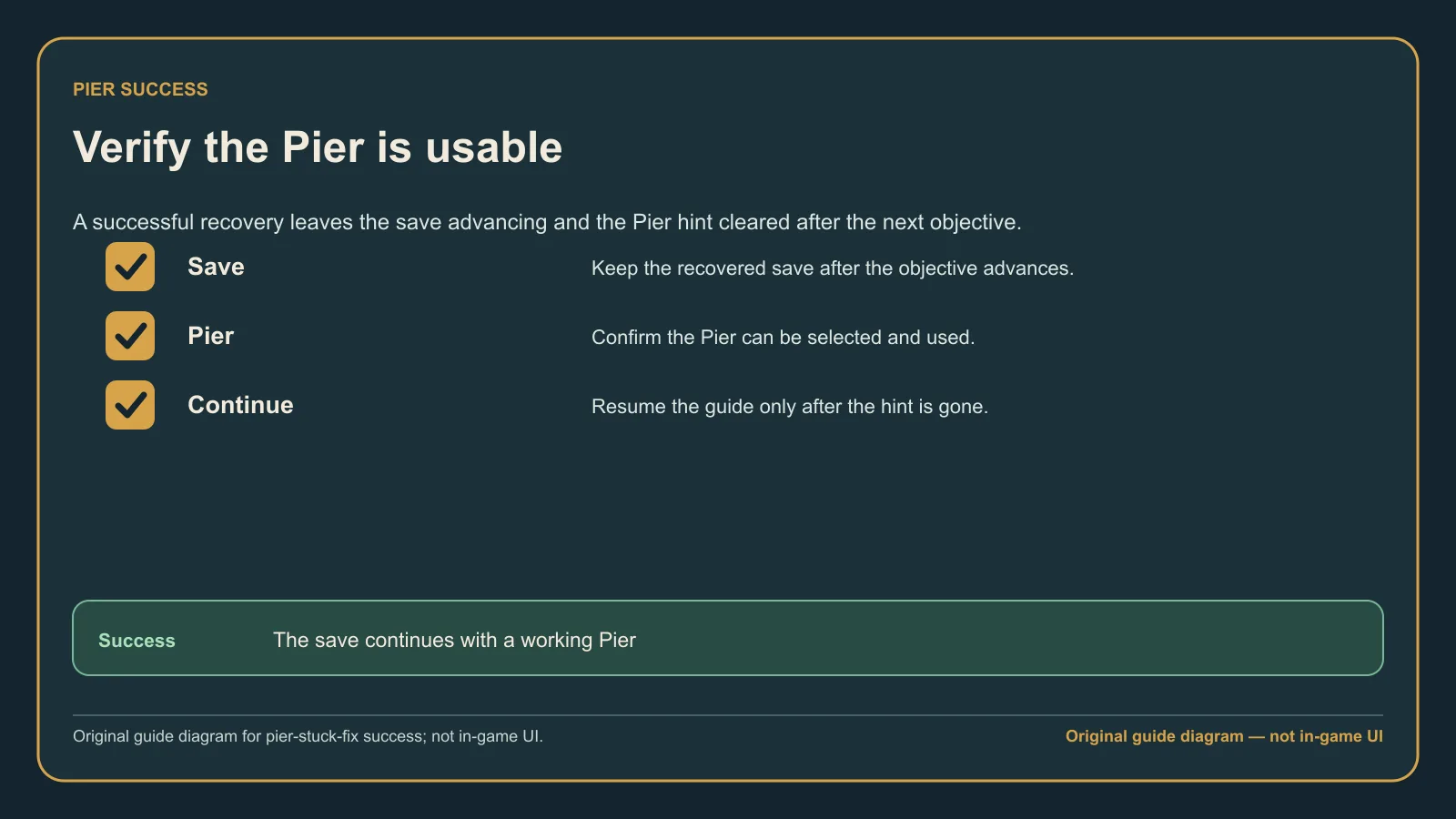
Original guide diagram based on the official Buildings guidance, highlighting the successful post-patch state and the details worth recording if it still fails.
What not to do first
Do not demolish unrelated production, delete saves, or start a new campaign before trying the patched progression sequence. Earlier player suggestions such as reloading, switching map view, or completing a battle were reported before Patch #1 and were inconsistent.
If the hint remains
Record the installed version, store, game language, current objective text, and whether the Pier is operational. Include a screenshot when reporting the issue so support can distinguish a lingering hint from a construction or logistics problem.