Quick answer
Community mods are available through third-party repositories and commonly install as PAK files in a ~mods folder. Back up saves, match the mod version to your game, and remove files to uninstall.
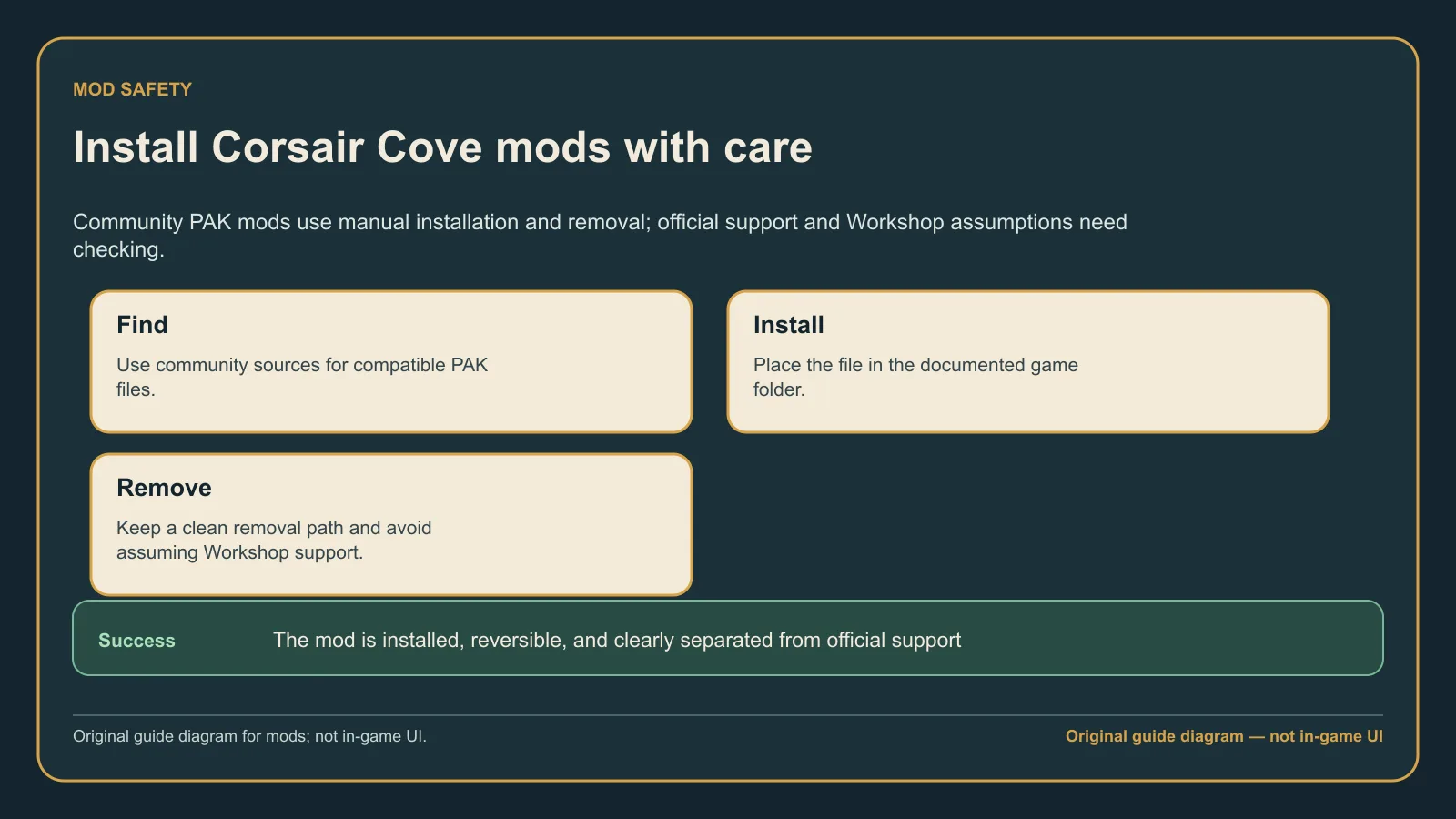
Original evidence-led guide diagram based on the current store context, summarizing manual PAK mod handling and the lack of listed Steam Workshop support.
Version and source notesUpdated 2026-08-08 · Source review due
- Updated
- 2026-08-08
- Works with
- Third-party PC mod availability reviewed on August 8, 2026
- What this guide covers
- Manual PAK installation, removal, compatibility, and official-support caveats
- Version notes
- Third-party compatibility and store Workshop support can change after updates
- Update status
- Source review due
What to do
- Check the mod's stated compatibility against your installed game version.
- Create the documented Paks/~mods path if the mod requires it.
- Install only the supplied PAK files and keep a record of each addition.
- Remove the same files before troubleshooting a game update.
Gameplay details
- Community mods use third-party distribution and can target specific game versions, so check each mod's stated compatibility before installing it.
- Better Connectors uses manual files in the game's Paks/~mods folder and documents deletion of those files as its uninstall method.
- Steam does not currently list Workshop support for Corsair Cove. Community mods come from third-party sources and are not officially supported.
Keep in mind
Steam does not currently list Workshop support for Corsair Cove. Treat community mod files as third-party downloads and use them at your own risk.
FAQ
Is there Steam Workshop support?
The current Steam listing does not show Workshop support, so manual third-party installation is the documented community path.
Should I back up saves first?
Yes. Keep a copy of your saves before adding or removing a PAK file, especially before a game update.
How do I remove a mod?
Delete the exact PAK files you added from the mod's documented ~mods path, then launch once without the mod before diagnosing the base game.
Next step
For crashes after installing a mod, follow safe crash fixes and check patch known issues before changing saves or reinstalling.