Quick answer
Assign a Fetcher from the Warehouse to the opening shipwreck and wait until its remaining resources reach zero. Then select the shipwreck and use the left-most demolition action on the bottom control bar. The recovered planks can support the next tutorial buildings.
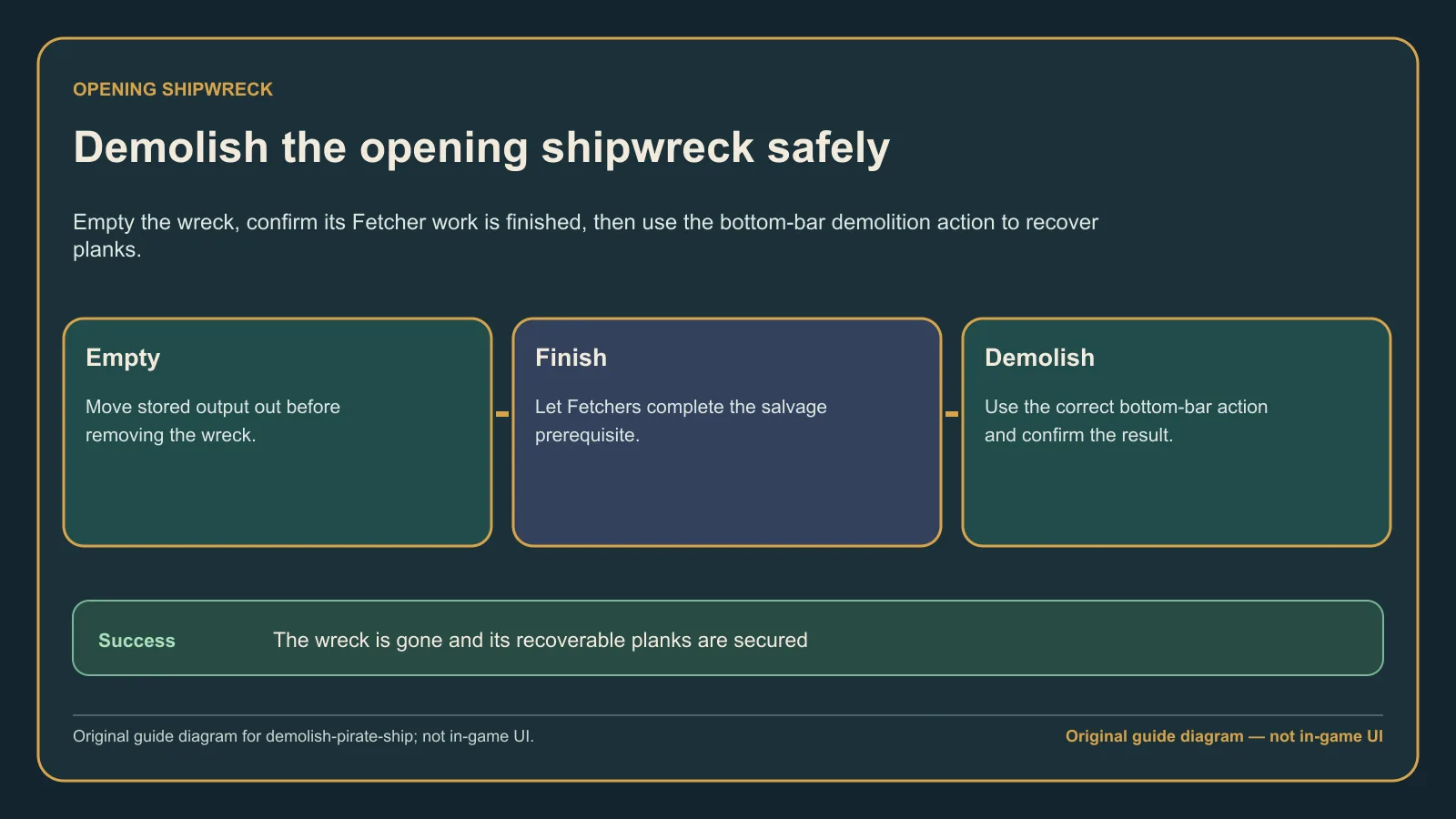
Original guide diagram based on the official Buildings guidance, showing the empty-storage check before demolition.
Version and source notesUpdated 2026-08-22 · Source review due
- Updated
- 2026-08-22
- Works with
- Released PC version; opening shipwreck objective
- What this guide covers
- Fetcher prerequisite and bottom-bar demolition steps
- Version notes
- Tutorial controls can change after interface updates
- Update status
- Source review due
Empty the shipwreck first
- Build the Warehouse requested by the opening objectives.
- Select the Warehouse and assign a Fetcher to collect from the shipwreck.
- Let the game run until the shipwreck storage is empty.
- Select the shipwreck and verify the objective no longer asks you to remove resources.
Demolish it
- Keep the shipwreck selected.
- Look at the action icons along the bottom of the interface.
- Choose the left-most demolition action shown in the walkthrough.
- Confirm the shipwreck disappears and the recovered planks are added for reuse.
The control belongs to the building/construction actions, not to the sailing controls. This is why searching the ship-management panel does not help.
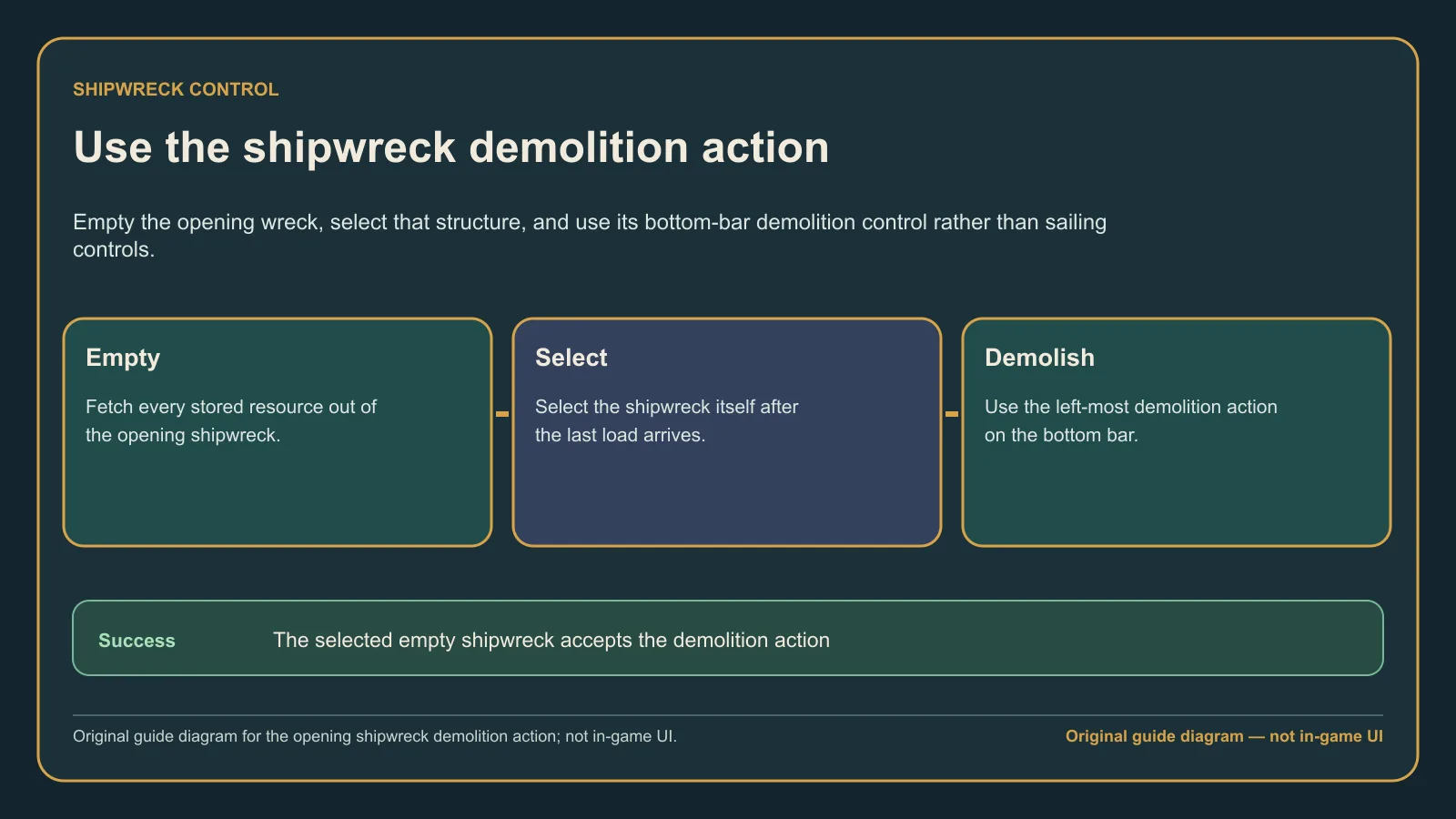
Original guide diagram based on the official Buildings guidance, showing the dedicated opening-shipwreck demolition sequence.
If the button does nothing
- Recheck that all stored resources have been fetched.
- Wait for a Fetcher already carrying the final load to finish its trip.
- Confirm you selected the opening shipwreck rather than a constructed ship.
- Save and reload if the objective and storage counter disagree.
For ordinary constructed buildings, the developer FAQ says demolition refunds the build cost, but stored output may be lost if it has nowhere to go. Empty valuable goods before demolishing anything beyond the tutorial wreck.
What success looks like
The shipwreck disappears, the tutorial advances, and the recovered planks become available for the next construction step. You should not need to dismantle the Warehouse or restart the campaign.
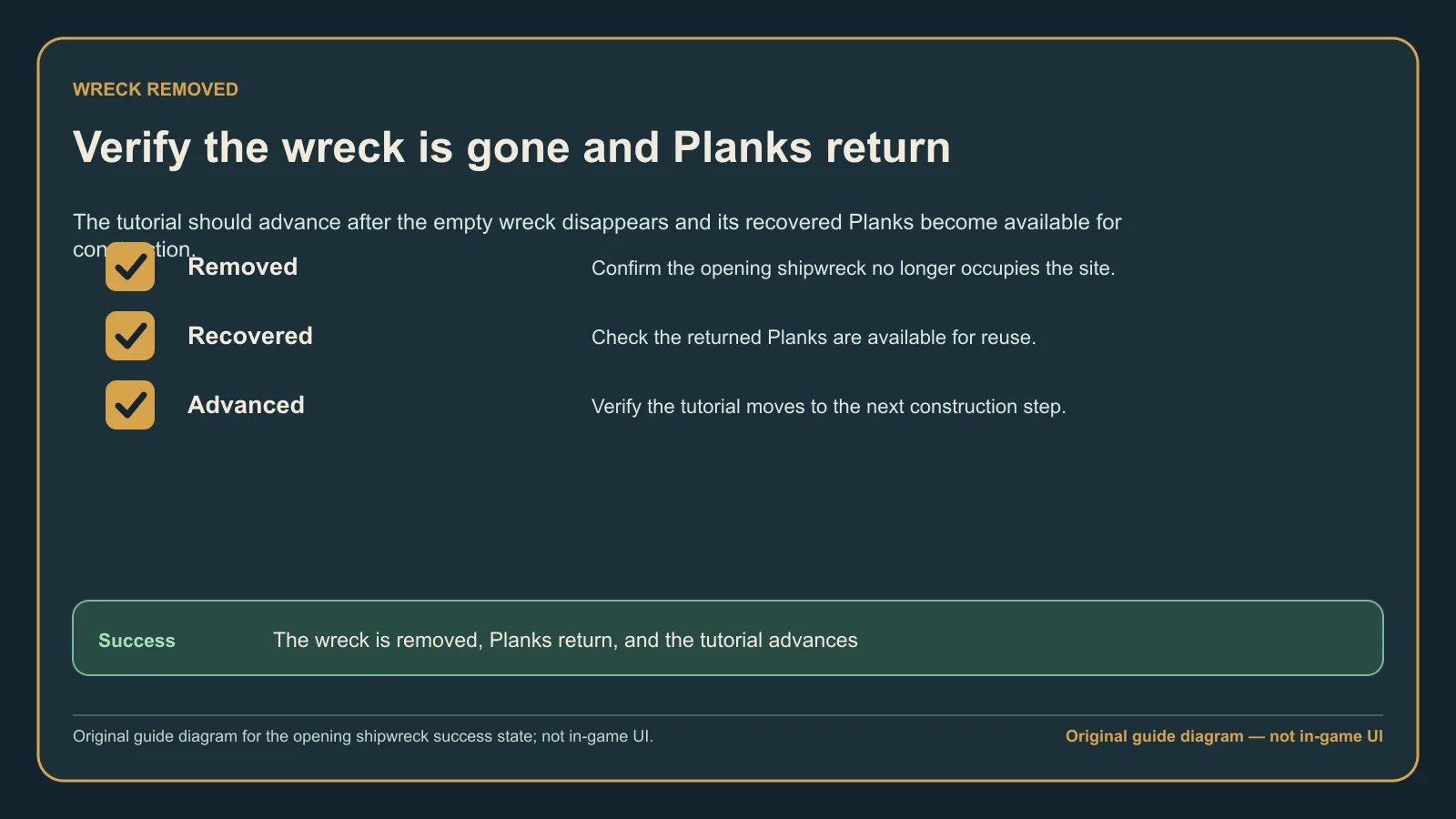
Original guide diagram based on the official Buildings guidance, checking the wreck, recovered Planks, and next tutorial step.