Quick answer
Update Corsair Cove first, restart Steam, and retest the same action. If it still crashes, use the symptom below instead of changing unrelated Windows settings. Patches #2 and #3 fixed several game-side crashes, including Hair Graphics Quality and a rare Barbos Bay crash.
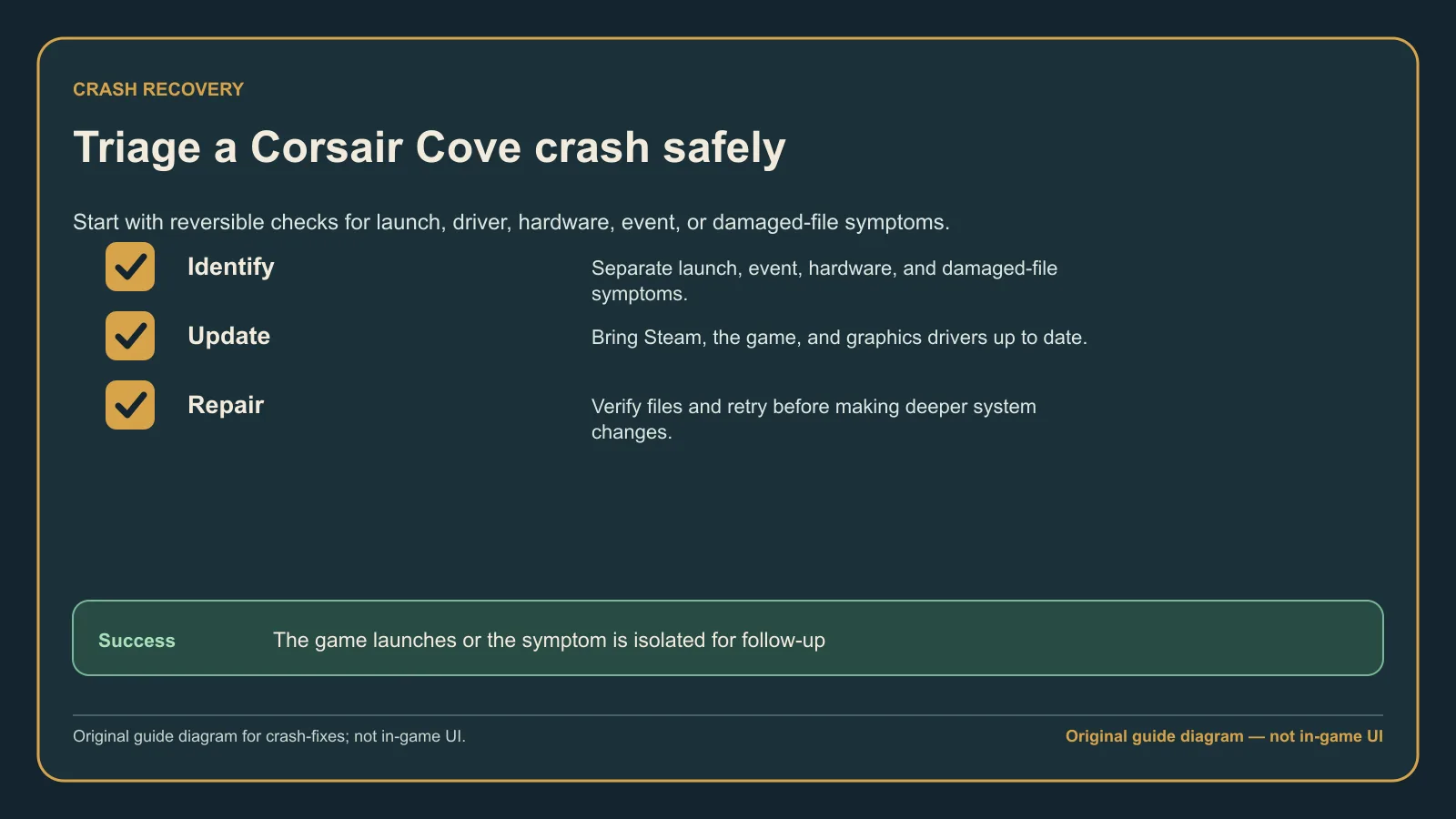
Original guide diagram based on the official patch notes and support guidance, showing the first symptom-to-fix split before deeper troubleshooting.
Version and source notesUpdated 2026-08-26 · Source review due
- Updated
- 2026-08-26
- Works with
- Windows PC release; patch-sensitive troubleshooting
- What this guide covers
- Source-reviewed; only low-risk reversible troubleshooting is recommended
- Version notes
- Patch #4 is the latest checked release; crash fixes shipped in Patches #2 and #3
- Update status
- Source review due
Known fixed cases
- Patch #2
v1.1.2.241844fixed several occasional crashes. - Patch #2 fixed a crash related to Hair Graphics Quality.
- Patch #2 fixed a rare crash when entering the Barbos Bay event.
- Patch #3
v1.1.3.242237fixed several additional occasional gameplay crashes.
If your symptom matches one of these cases, update and retest before changing Windows or hardware settings.
Match the crash symptom
The game crashes on launch or when starting a new game
- Restart Windows and Steam.
- Verify Corsair Cove's installed files in Steam: Library → Corsair Cove → Properties → Installed Files → Verify integrity of game files.
- Install or repair the current Microsoft Visual C++ x64 Redistributable from Microsoft's supported downloads page.
- Restart Windows and try one new launch.
Hooded Horse lists Visual C++ repair as a potential launch fix, not a guarantee. Download the runtime from Microsoft rather than an unofficial bundle.
The game crashes after changing graphics settings
Patch #2 fixed a crash related to Hair Graphics Quality. Make sure the game has updated beyond v1.1.2.241844, then retest the same setting. If a graphics crash remains, identify your GPU with dxdiag and install the current driver from NVIDIA, AMD, Intel, or your computer manufacturer.
The game crashes entering Barbos Bay
Patch #2 also fixed a rare crash when entering the Barbos Bay event. Update the game and retry the event before changing saves or hardware settings. If the event opens normally after the update, stop troubleshooting.
Crashes continue on a 13th or 14th Gen Intel desktop CPU
Hooded Horse has highlighted Intel's known desktop-processor stability issue as one possible cause for some players. It does not explain every Corsair Cove crash.
- Open System Information in Windows and check the exact processor model.
- Continue only if it is an affected 13th or 14th Gen desktop processor and other games or applications also show instability.
- Check your motherboard or prebuilt-PC manufacturer's support page for the correct BIOS and current instructions.
- Prefer the manufacturer's Intel Default Settings profile when it is available.
Updating a BIOS is an advanced operation. Using the wrong file or losing power during the update can prevent the computer from booting. If any part is unclear, stop and contact the motherboard or PC manufacturer's support team.
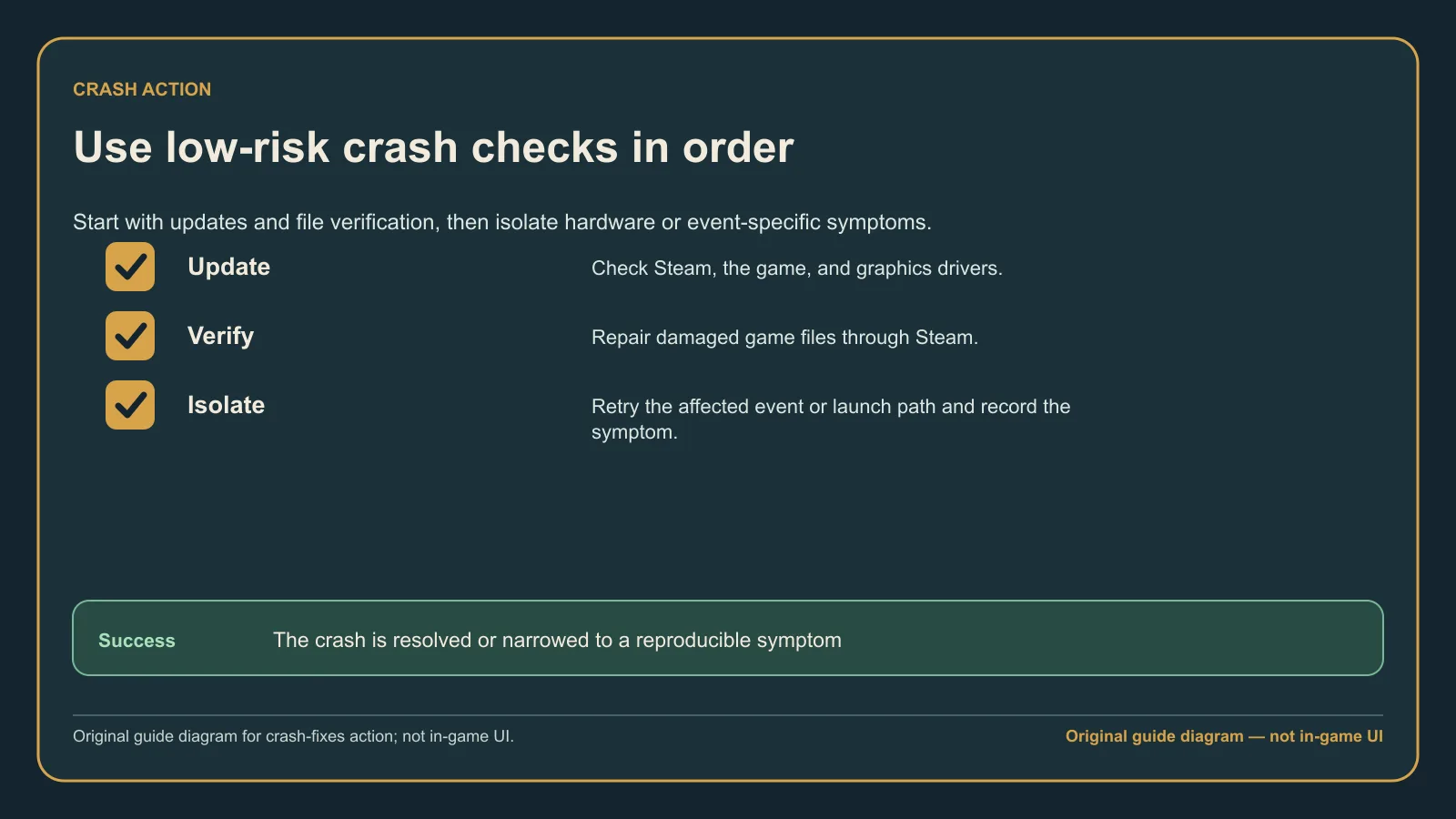
Original guide diagram from the official patch notes and support guidance, used here to keep each crash test isolated and repeatable.
Expected result
Retest one repeatable trigger after each change. A useful result is specific: the game launches, the same setting changes without closing the game, or Barbos Bay opens successfully. Do not stack five changes at once because you will not know which one mattered.
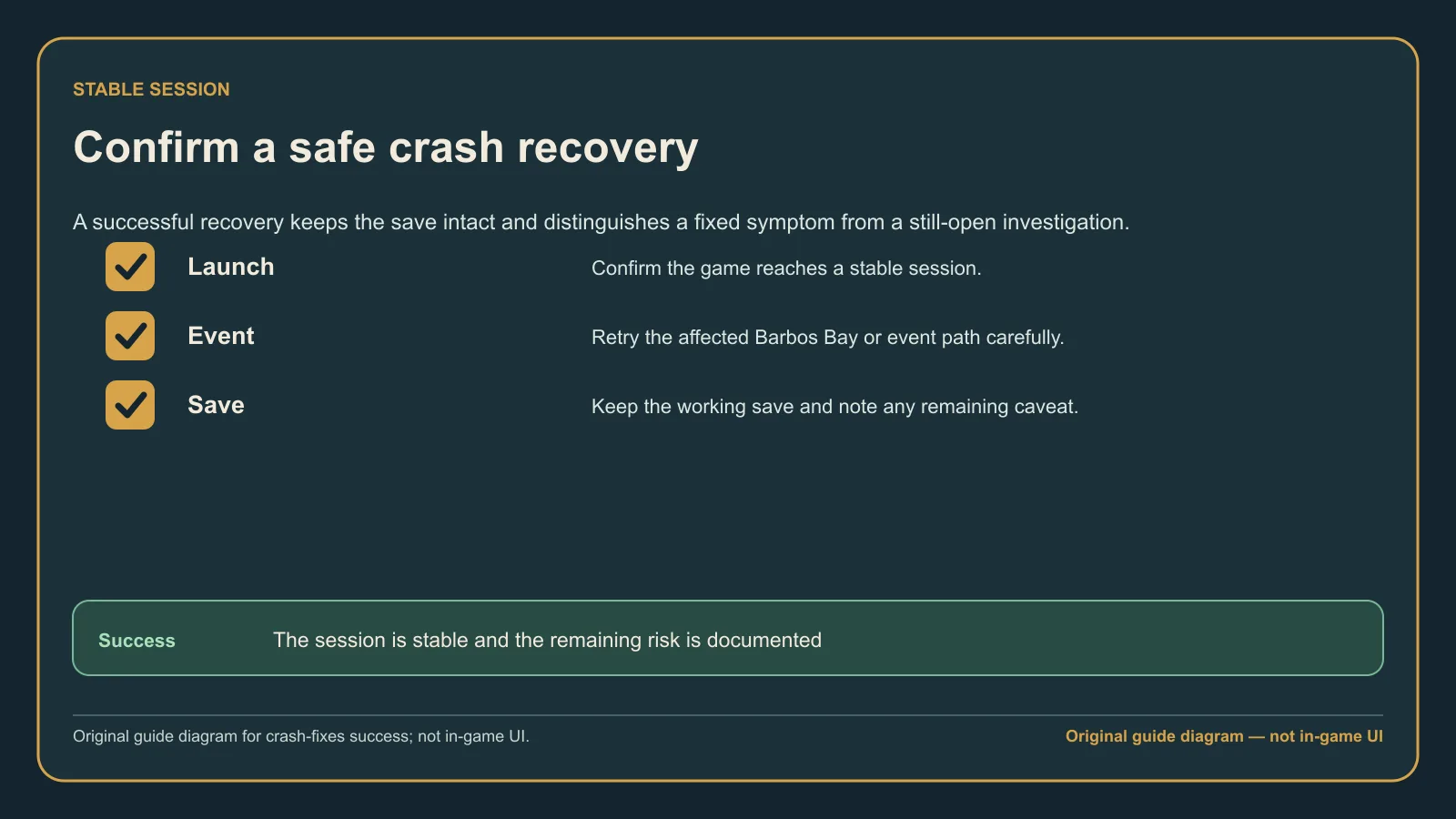
Original guide diagram based on the official troubleshooting sources, highlighting the retest state and the support details worth capturing.
If it still crashes
Record the game version, Windows version, CPU, GPU, driver version, location or event, and the exact action before the crash. Keep existing saves and avoid registry cleaners, random DLL downloads, disabled security tools, or deleting save folders.