Quick answer
Diagnose the state before spending resources. Official Buildings and Ships pages tie new building sets to Compass and successive ship-tier progression. If the building has appeared, stop treating it as an unlock problem: check the connection, available workers, crew-support demand, and whether the rest of the production chain is actually available and ready.
The official Buildings page adds a more specific sequence: Compass progress can unlock buildings, building a new ship tier can unlock a new set, and buildings needed to sustain that ship's crew appear after the ship is built. Because those details currently depend on one official page, treat the exact order as patch-sensitive and verify it in your live build menu.
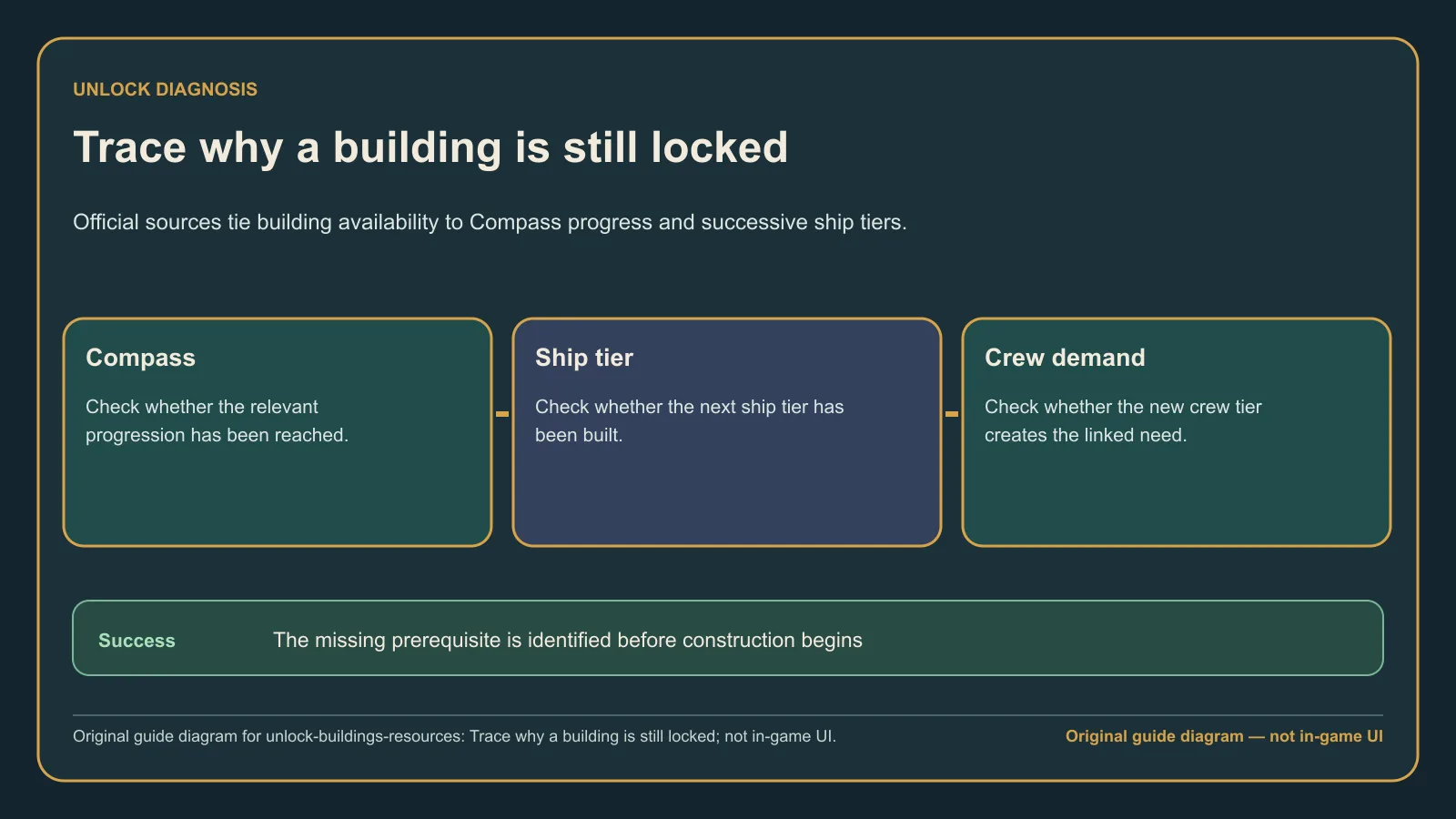
Original guide diagram — not in-game UI. A missing building, an unbuildable building, and an idle building require different fixes.
The progression or diagnostic path
- Is the building absent from the build menu? Check the relevant Compass progress first.
- Is the Compass step complete but the building still absent? Check whether the next ship tier has actually been built, not merely researched or planned.
- Is it a crew-support building? After constructing the relevant ship tier, reopen the build menu and look for the support options that match the new crew demand.
- Is the building visible but cannot be placed or built? Treat this as a construction check: inspect its required connection and the workers available to staff it.
- Is the building complete but idle? Treat this as an operation check: verify full staffing and inspect whether the required inputs and downstream production options are available.
This order prevents one common diagnostic error: repeating Compass spends when the current blocker is actually ship construction, connection, staffing, or chain readiness.
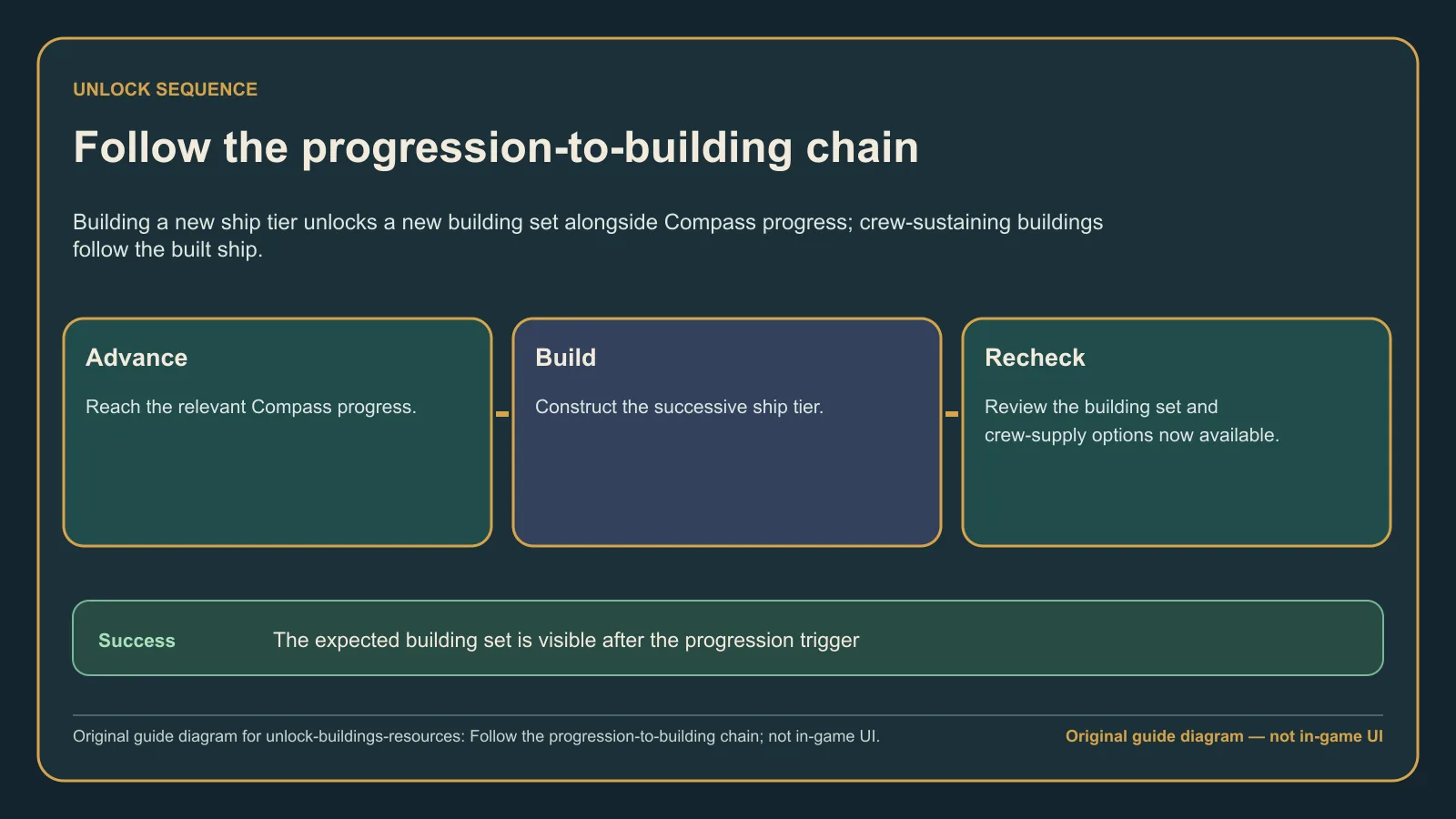
Original guide diagram — not in-game UI. Check Compass, built ship tier, crew demand, and production availability as distinct states.
Decisions, unlocks, or fixes
| What you observe | What it means for the diagnosis | Next action |
|---|---|---|
| The building is not listed | The unlock relationship is still the first question | Inspect the relevant Compass progress and built ship tier |
| The ship tier is planned but not built | The documented ship-tier relationship may not have been triggered | Finish the relevant ship, then reopen the build menu |
| A crew-support option appears after the ship | Crew demand and its support building are part of the same version-sensitive sequence | Plan supply for that crew before expanding further |
| The building is visible but construction will not proceed | The problem is no longer “how do I unlock it?” | Check connection and whether enough workers are available |
| The completed building is idle | Unlock state is already solved | Check full staffing and the visible inputs and outputs of the chain |
The official Buildings page currently says construction requires a connection, buildings need enough available workers, and buildings cannot be partially staffed. This is a single-page official record, so use it as a bounded diagnostic and recheck after building or workforce patches.
For production chains, avoid assuming that unlocking the final building makes every input available. Inspect the live build menu and resource panels for each required step. This guide does not invent fixed resource triggers; it only separates the documented progression relationship from the availability and operation checks visible in your save.
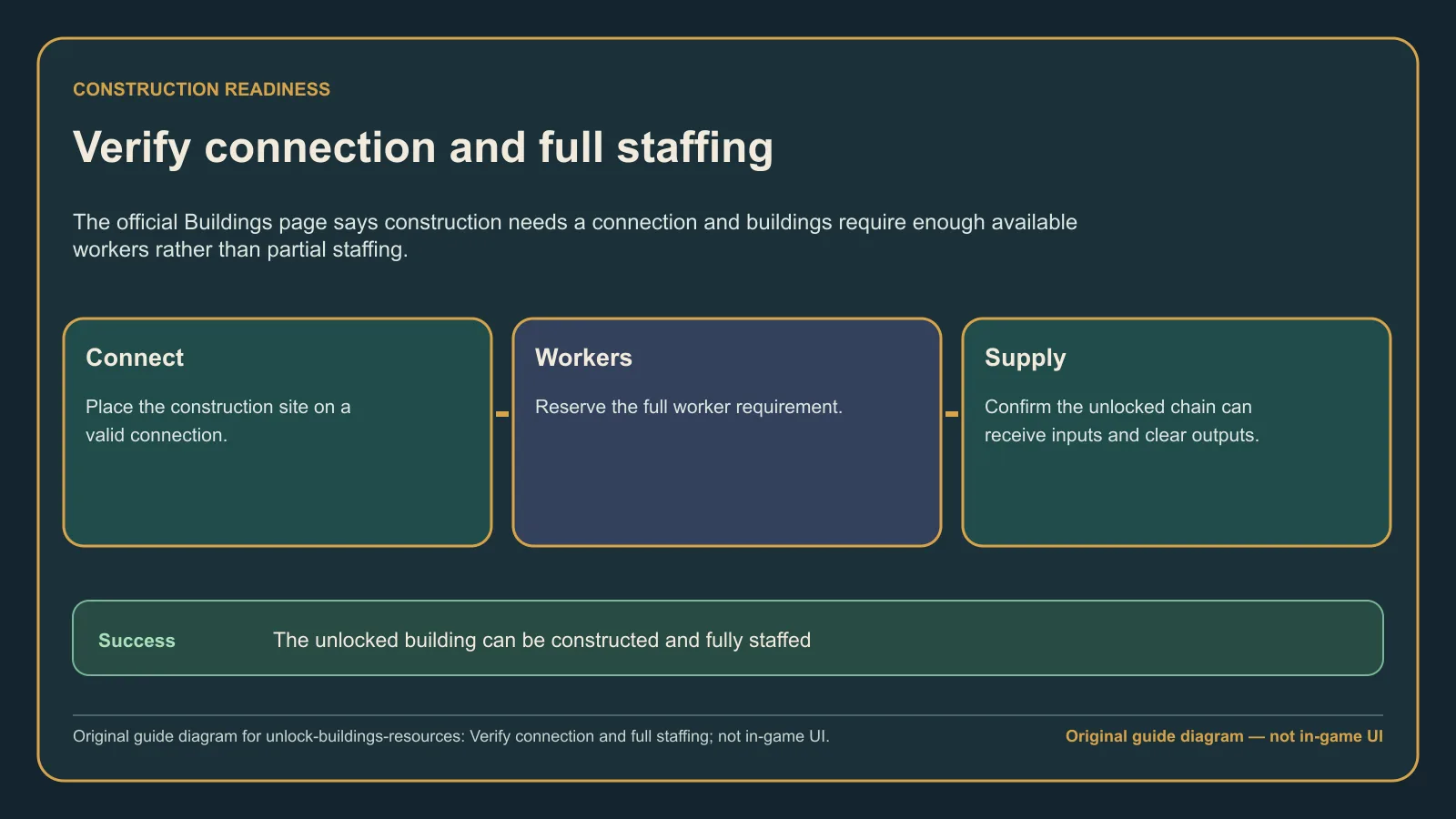
Original guide diagram — not in-game UI. Success means the option appears and its construction, workers, and production steps can be checked separately.
Common mistakes
- Assuming every absent building needs another Compass point without checking ship-tier progression.
- Counting a planned or available ship as a built ship for a version-sensitive unlock sequence.
- Treating crew-support buildings as unrelated to the demand introduced by the relevant ship tier.
- Calling a visible but unconnected building “locked.”
- Expecting partial staffing to operate a building when the official page currently says full staffing is required.
- Planning around a final production building without checking whether the inputs and earlier chain steps are available.
FAQ: Frequently asked questions
Why is a building or resource chain still locked?
Start with the Compass and built ship tier. If the option is already visible, the issue is not the unlock; move to connection, workers, crew support, and chain availability.
Do I need to build the new ship tier?
The official Buildings page currently says building a new ship tier unlocks a new set and then the buildings needed to sustain that crew. That exact sequence is supported by one official page, so verify it in the current build rather than treating it as permanent patch-independent wording.
Why is an unlocked building not working?
The same official page currently requires a connection and enough workers and says buildings cannot be partially staffed. After those checks, inspect the visible production inputs and output route; an operation problem is separate from the original unlock.
What to do next
- Use the progression roadmap if you still need the right Deed and Compass step.
- Open the production chains guide once the relevant buildings are visible and you need to make the chain run cleanly.
- Review the ships guide when the unresolved prerequisite is the next ship tier.
- If added crew demand is destabilizing the settlement, use the Cohesion and mutiny diagnostic.