Quick answer
You cannot manually move Drifters or other population to a new or different camp. Instead, give the destination a job and a bed; the developer FAQ says those available opportunities can attract Drifters to a camp. For the wider camp setup, see the second Pirate Camp guide.
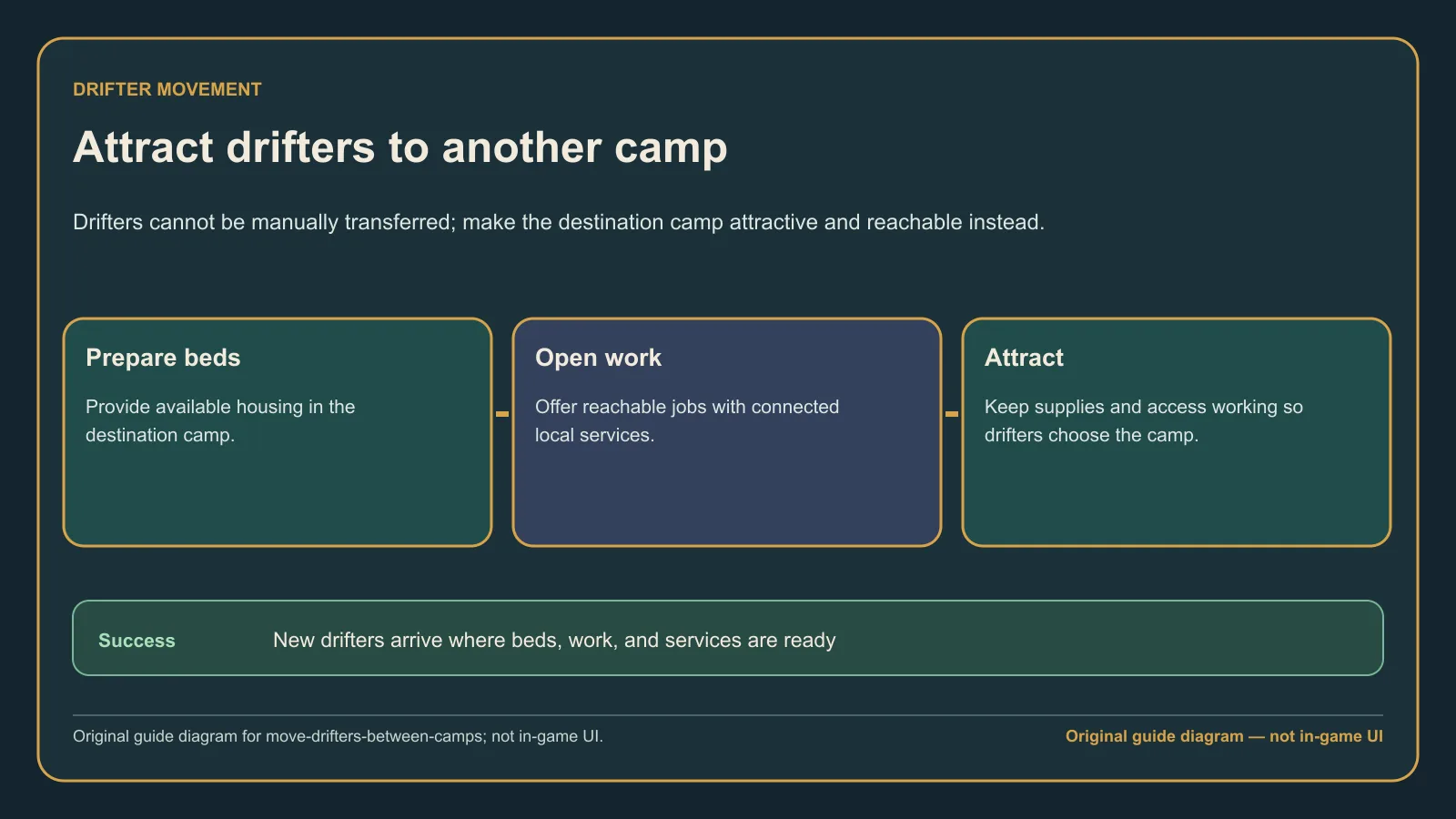
Original guide diagram based on the official Pirates page, showing the supported camp-attraction flow instead of a manual transfer.
Version and source notesUpdated 2026-08-28 · Within source review window
- Updated
- 2026-08-28
- Works with
- Released PC version after Patch #4 (v1.1.4.242868)
- What this guide covers
- Covers the lack of manual transfers, job-and-bed attraction, and clearly labeled player reports.
- Version notes
- Camp attraction behavior may change after future patches.
- Update status
- Within source review window
How camp population works
Treat each camp as a destination, rather than as a roster you can redistribute by hand. The supported approach is attraction through an available job and bed, not a transfer command.
Players have reported uneven Drifter distribution between camps even where another camp has free housing. That is a reported symptom, not a rule that free housing cannot work or a proven explanation for every empty camp.
Prepare the destination camp in this order
- Create an available job in the destination camp.
- Provide a free bed at that same camp.
- Use that job-and-bed opportunity as the supported way to attract Drifters to the destination camp.
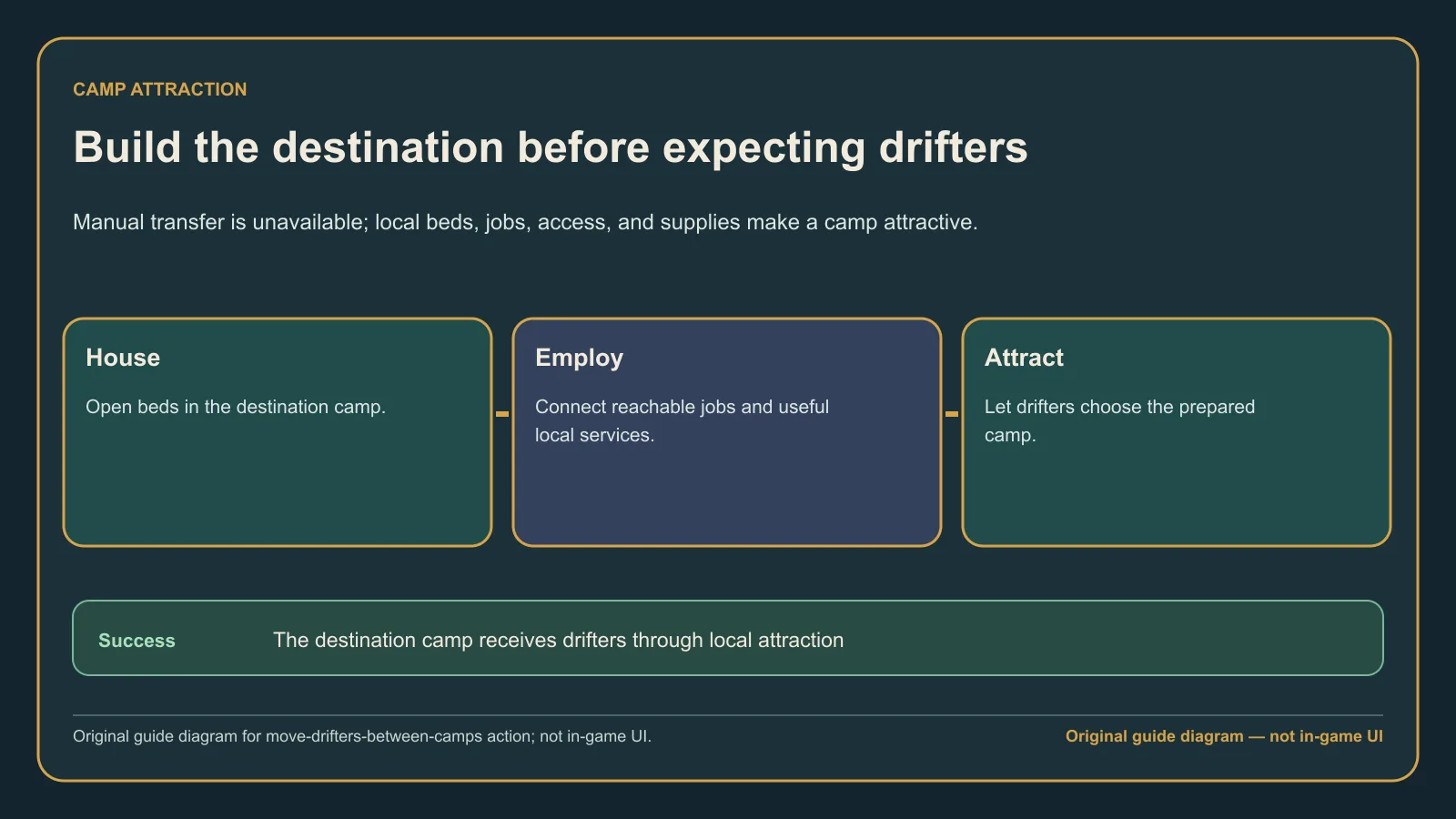
Original guide diagram based on the official Pirates and Buildings pages, used here to set up the destination camp in the right order.
Reduce pressure in the original camp
Do not try to solve uneven distribution by looking for a manual reassignment: the developer FAQ says there is none. An original camp cannot send its Drifters to the destination through a transfer command; the supported destination-side action is to offer a job and a bed.
If the new camp remains empty
Recheck that the destination has both an available job and a free bed. The developer answer supports attraction through those two opportunities; it does not provide a manual-transfer workaround or another supported way to force a move.
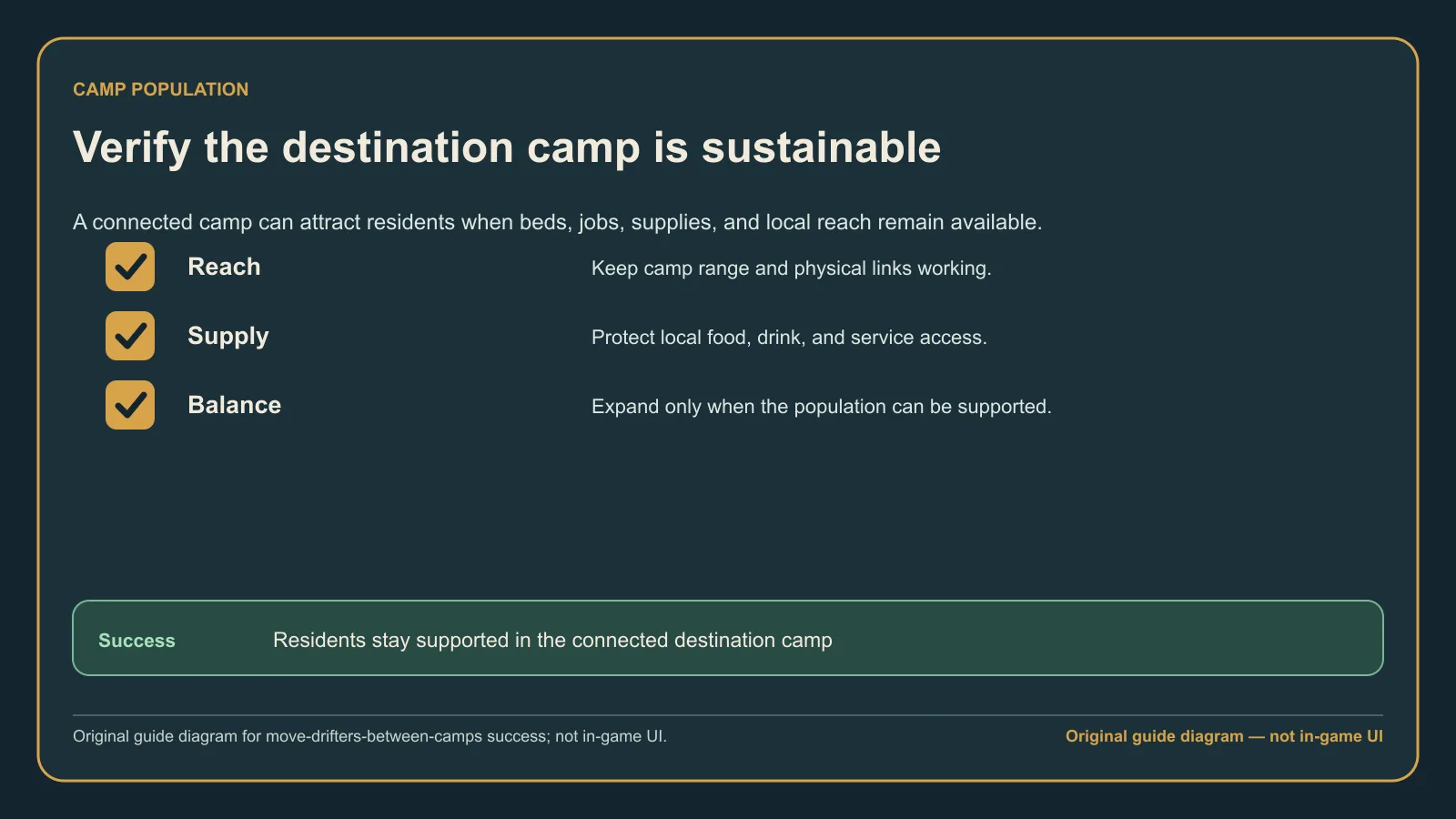
Original guide diagram from the official Pirates and Buildings pages, highlighting the signs that the destination camp can now attract Drifters.
Common mistakes
- Searching for a manual Drifter-transfer command.
- Preparing a bed in one camp and the job in another.
- Treating a player report of uneven distribution as a proven population mechanic.
What success looks like
The destination has a clear available job and free bed—the opportunity the developer FAQ says can attract Drifters—and you are not relying on a manual transfer that the game does not support.