Quick diagnosis
A building usually reports a missing connection or missing resources because it is outside Pirate Camp range, the physical path is incomplete, the source has no stock, the destination is full, or no usable Fetcher route connects them. Check those in order before rebuilding.
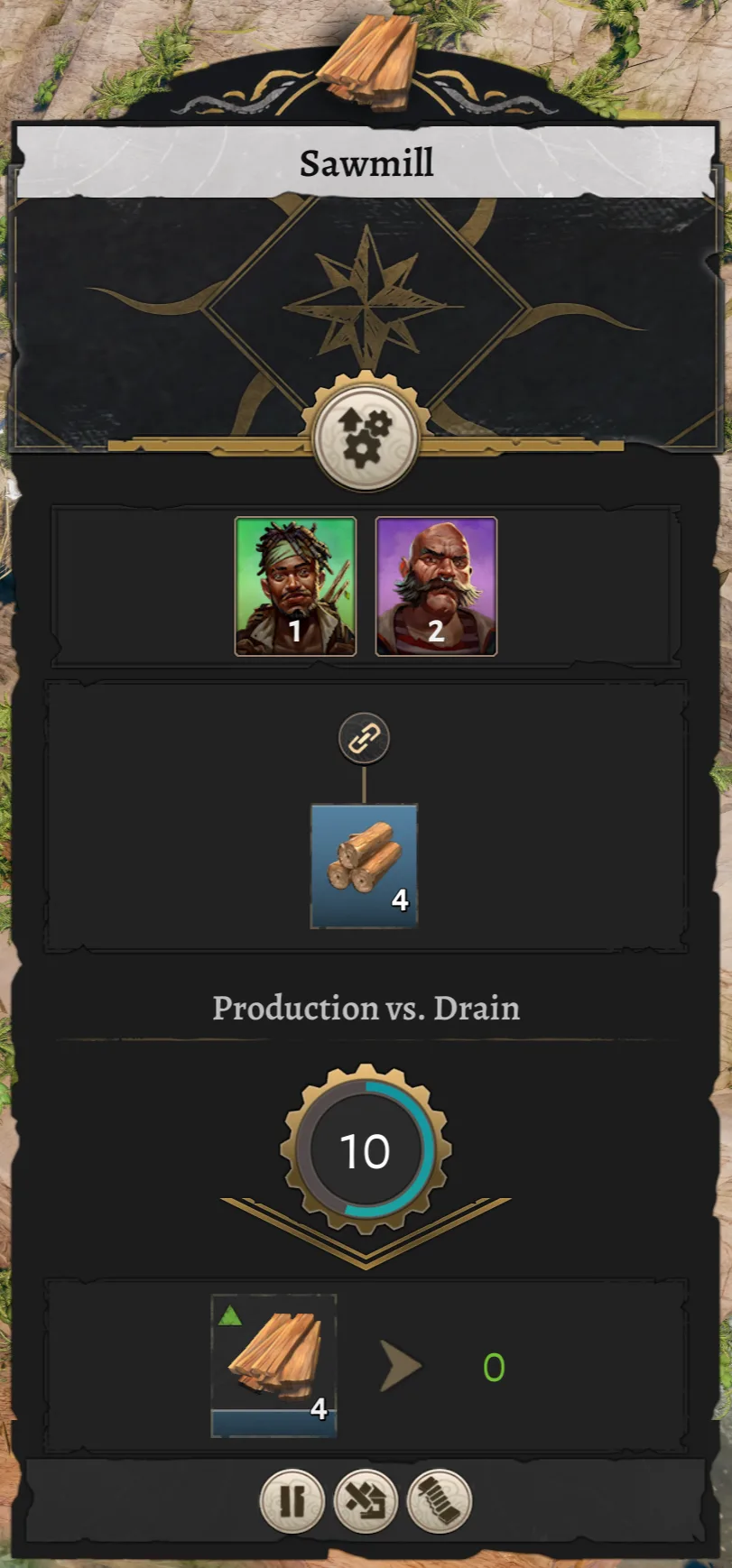
Official Corsair Cove wiki Sawmill panel showing worker, input, and output state for a missing-resource diagnosis.
Version and source notesUpdated 2026-08-28 · Within source review window
- Updated
- 2026-08-28
- Works with
- Released PC version after Patch #4 (v1.1.4.242868)
- What this guide covers
- Covers camp range, physical links, storage, route filters, Fetchers, and warehouse slots
- Version notes
- Connector behavior and route UI may change after gameplay patches
- Update status
- Within source review window
Run the fix in this order
- Confirm the building sits inside a Pirate Camp's working range.
- Trace a continuous road, rope bridge, cliff path, or ladder back to the haven.
- Confirm the required resource exists at the source endpoint.
- Check that the destination has an open input or construction slot.
- Verify the route is set to the exact resource the building accepts.
- Confirm a Fetcher is available and can reach both endpoints.
- Clear a blocked warehouse slot if the amount is zero but the slot remains reserved.
- Change one item, then watch one complete pickup and delivery.
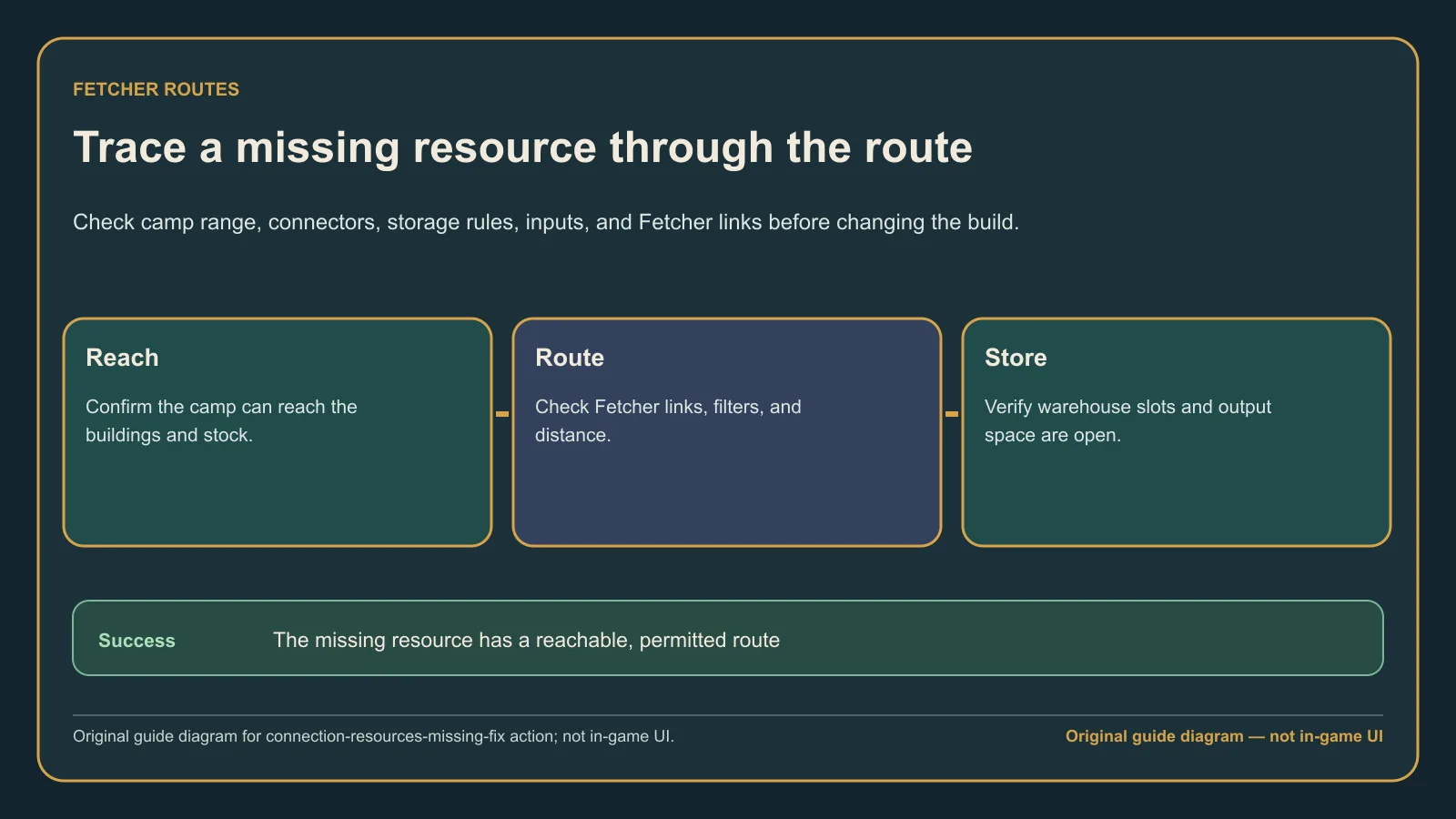
Original guide diagram based on the official Buildings guide, used here for the ordered Fetcher and route checks.
Separate construction from production problems
If construction has not started, focus on camp range, physical connection, Builders, and construction materials. If a finished workshop is idle, focus on its recipe, input stock, output space, and Fetcher route.
Fix a stuck warehouse slot
The developer FAQ explains that a warehouse slot must reach zero and then have its old connection removed before it becomes fully available for another good. Drain the stock first; do not delete a loaded warehouse and create a second problem.
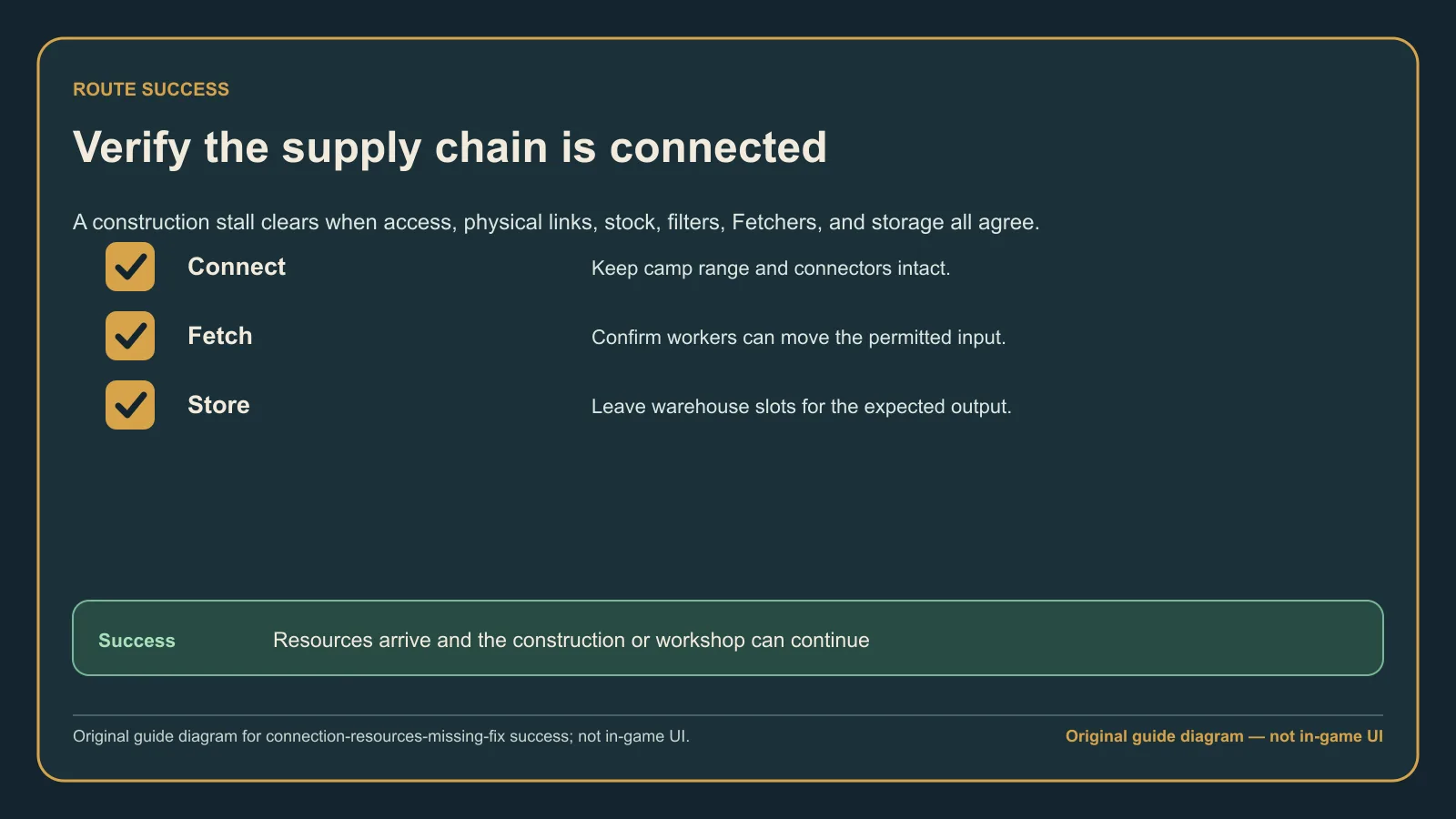
Original guide diagram from the official Buildings guide, highlighting the post-fix route and warehouse state to confirm.
Common mistakes
- Rebuilding before checking Pirate Camp range.
- Adding Fetchers when the source holds zero items.
- Connecting the right buildings with the wrong resource filter.
- Leaving output storage full and blaming missing input.
- Changing several routes at once, so the successful fix cannot be identified.
What success looks like
A Builder or Fetcher leaves the source, the source stock drops, the destination stock rises, and construction or production resumes. If that one short route works, reconnect the wider network one link at a time.